
How we store 40 TB of backups in 6
Content-defined chunking, why fixed blocks fail on real data, and the numbers from one customer's file server.
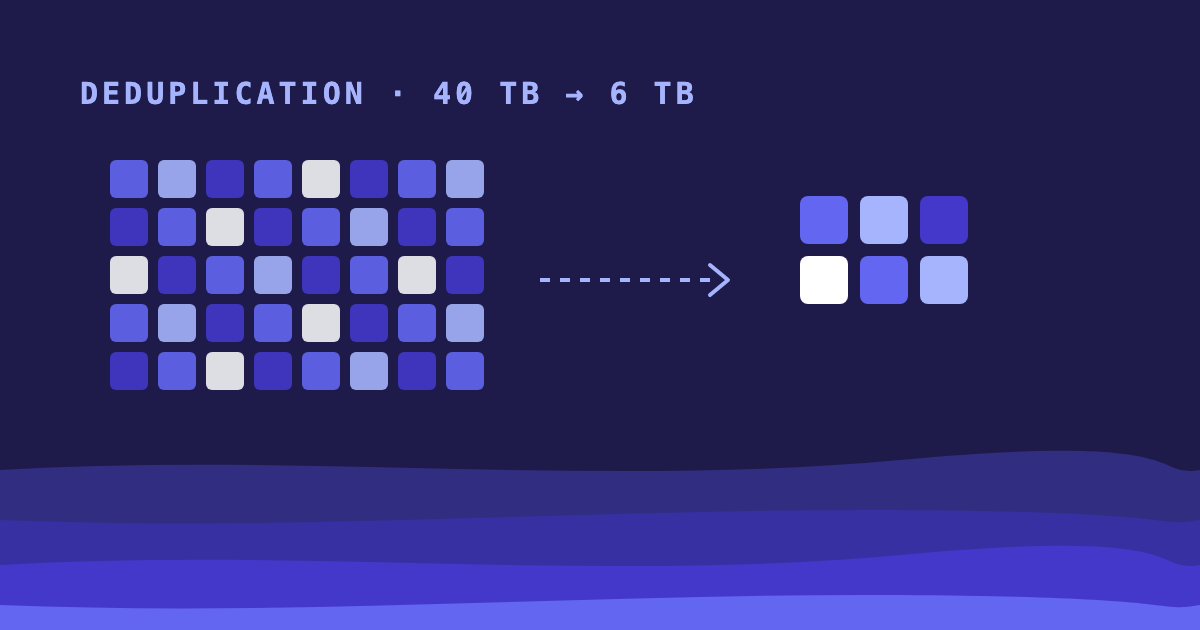
One of our customers backs up a 4 TB file server every night and keeps 30 days of history. On paper that is 120 TB. On disk it takes 6. This post explains where the other 114 went.
Fixed blocks break on inserts
The simple way to deduplicate is to cut every file into 4 MB blocks, hash each block and store each hash once. It works until someone adds a single byte at the start of a file. Every block boundary after that byte shifts, every hash changes, and the whole file is stored again.
Content-defined chunking
Stonebridge cuts files where the content says so instead. A rolling hash slides over the data, and wherever its low 20 bits are zero, a chunk ends. An insert only changes the chunk it lands in. The boundaries after it stay where they were, because they depend on the bytes around them and not on their offset.
Chunks average 1 MB, with a floor of 256 KB and a ceiling of 8 MB, so a run of zeros can’t produce a million tiny chunks.
The numbers
| Logical size | Stored | |
|---|---|---|
| First full backup | 4.0 TB | 3.1 TB |
| 30 nightly backups | 120 TB | 6.2 TB |
| Same data, fixed 4 MB blocks | 120 TB | 19.8 TB |
The first backup already saves 0.9 TB, mostly from copies of the same installers and PDFs in different folders.
You can check yours
Run this on the Stonebridge server to see the ratio for each backup set:
sb stats --sets --sort ratioSET LOGICAL STORED RATIO
fileserver 120.4 TB 6.2 TB 19.4x
postgres-main 18.1 TB 2.7 TB 6.7x
mail 9.6 TB 3.9 TB 2.5xMail deduplicates poorly because most of it is already compressed attachments. That is expected, and it is why we show the ratio per set instead of one number for the whole server.